
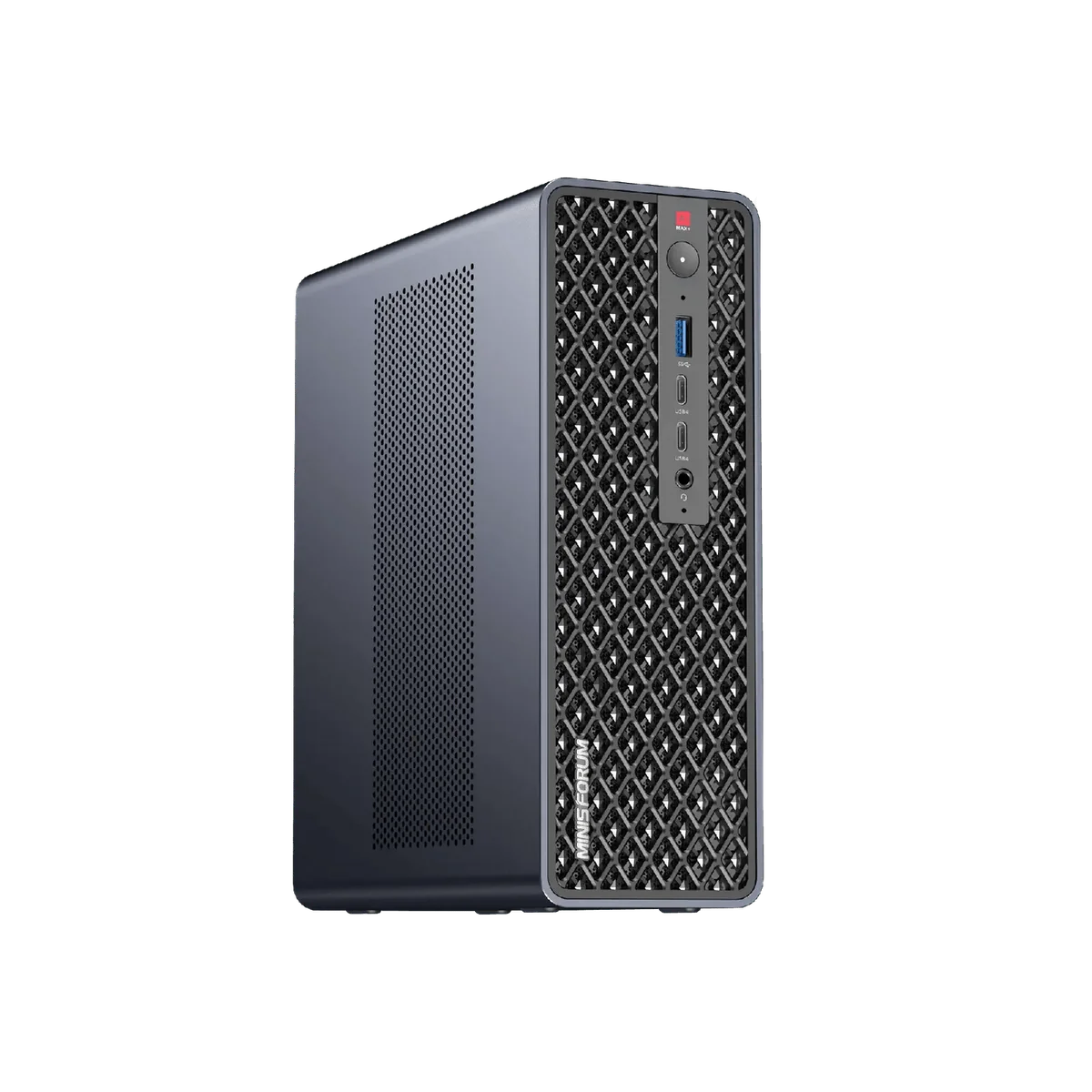
We took Qwen3.8-Flash-Next, a 125B-parameter mixture-of-experts model, and made it answer at 43 tokens per second on a mini PC, while it serves four conversations of 128K tokens each. The machine is a Minisforum MS-S1 Max with a Radeon AI PRO R9700 in its PCIe slot. This is how we did it, what broke along the way, and the exact command we run.
Disclosure: this is our own machine and our own measurements, taken on October 22 and November 6, 2026. Nobody sent us this hardware. It is a record of one setup, not a buying recommendation; for that, read our MS-S1 Max review.
The hardware
| Part | What it brings |
|---|---|
| Minisforum MS-S1 Max | Ryzen AI Max+ 395 (Strix Halo), Radeon 8060S integrated graphics, 128 GB of unified memory |
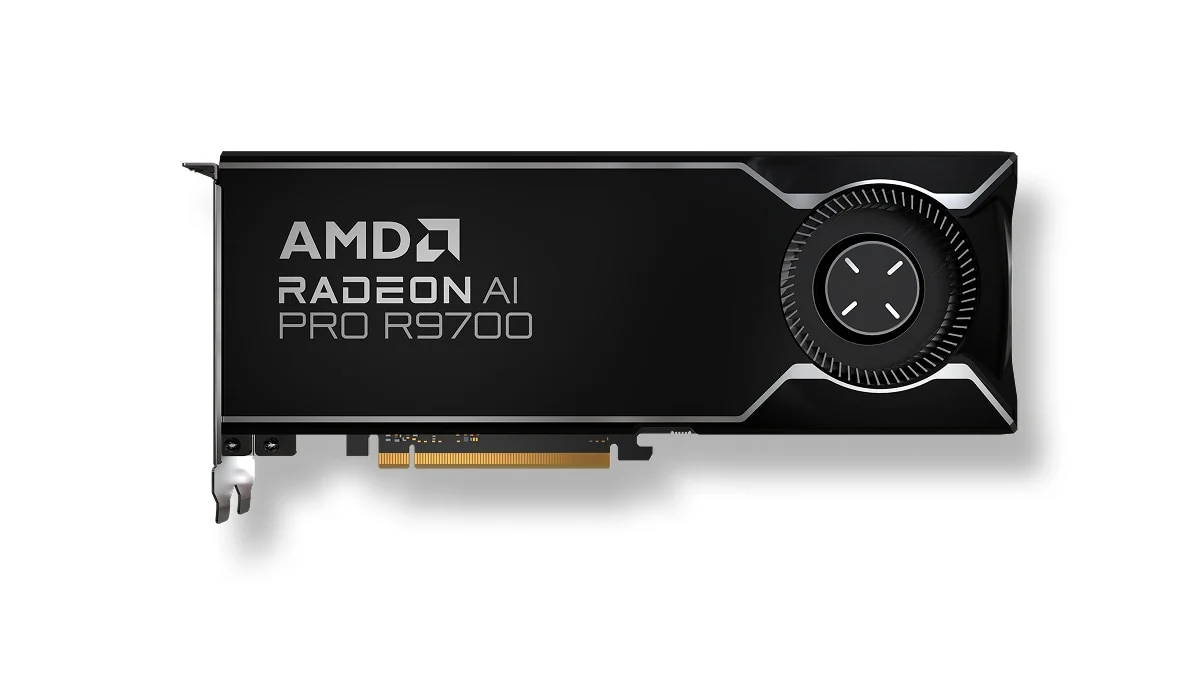
| Radeon AI PRO R9700 | 32 GB of fast video memory, in the MS-S1 Max’s PCIe slot |
| Link between them | PCIe 4.0 x4 (the slot is full length, but wired at x4) |
R9700 photo: AMD.
The MS-S1 Max uses the same Strix Halo chip as the GMKtec EVO-X2; what sets it apart for this build is its PCIe slot, where the R9700 goes.
The model
Qwen3.8-Flash-Next has 125B parameters, plus 51B of n-gram embeddings and a 4B MTP head, so about 180B of weights in total. It is a mixture of experts: for each token it wakes only about 6B parameters, 10 routed experts plus one shared expert. Most of the model sits idle on any given token, and that is what makes this setup possible.
We run Unsloth’s UD-Q4_K_XL build, version 3.1: four files, about 111 GB.
Attempt one: integrated graphics only
The obvious first try: the whole model on the Radeon 8060S. That setup ran the smaller UD-Q3 build, and it gave 27.8 tok/s of generation and about 443 tok/s of prompt reading. Paste in a long document and you wait. It also could not take our 28K-token prompt test.
The trick: split the model
The engine is llama-halo-hybrid, an MIT-licensed fork of llama.cpp by a developer called sixvolts, built for exactly this pairing: a Strix Halo machine plus a discrete GPU. We pinned commit ed0d6cc9, read through it (no telemetry; networking only appears in the RPC backend, which we do not build) and compiled it with ROCm 7.2.3 for both chips (gfx1151 and gfx1201).
The split:
- On the R9700: the dense layers, attention and the KV cache. They run for every token, so they get the fast memory.
- On the Radeon 8060S: the routed experts of every layer. They are most of the model’s size, but only a few run per token, so they stay next to the 128 GB pool.
- The two chips talk over the PCIe 4.0 x4 link.
On the first run, our 7K prompt test (about 6,300 tokens) went from 443 to 2,372 tok/s, more than five times faster, and generation went from 27.8 to 39.5 tok/s.
Then we opened a second conversation
One conversation was fine. Two was not. With two running, each one got 16 tok/s; with four, 10.6 tok/s each. The clue was in the step times: generating one token per step took 25.3 ms, and two tokens per step took 62.1 ms, about 2.5 times as long for twice the work.
The culprit was the shared context pool. With the unified KV flag (-kvu) on and a 262,144-token pool, every step behaved as if it walked the whole reserved pool, even when the conversations used almost none of it. In a batched benchmark (256-token prompts, 128 generated tokens):
| Setup | 1 conversation | 2 conversations | 4 conversations |
|---|---|---|---|
-kvu, one shared pool | 32.0 | 32.2 | 44.6 |
-no-kvu, a space per conversation | 34.5 | 56.1 | 84.9 |
Total tokens per second.
One flag. With -no-kvu, the size of each space did not matter: 64K and 128K per conversation gave the same 85 tok/s total with four.
The power level surprise
Our own monitoring service was forcing both cards to the “high” power level, because high sounds fast. It is not. On “auto”, one conversation ran at 43.0 tok/s; on “high”, 38.9. With four conversations in the batched benchmark, auto gave 94.7 tok/s in total against 89.3 on high. We now leave the cards on auto.
The speed we left on the table
With MTP draft decoding, one conversation reached 60.5 tok/s, with about 80% of the draft accepted. But that setup only fit two conversations of 128K tokens; with a larger batch size it ran out of memory on the R9700. We need four conversations, so we run without the draft.
Final numbers
Measured on November 6, 2026, with the v3.1 build and the command below:
| Test | Result |
|---|---|
| Generation, 1 conversation | 43.0 tok/s (three runs: 42.8, 43.2, 43.1) |
| Generation, 2 conversations | 56.7 tok/s total (29.4 each) |
| Generation, 4 conversations | 78.3 tok/s total (20.3 each) |
| Generation, 6 conversations | 68.4 tok/s total |
| Prompt reading, 25,076 tokens | 2,537 tok/s (10 s) |
| Prompt reading, 101,134 tokens | 2,225 tok/s (46 s) |
| Tool call and image input | Both worked |
| System memory left with the model loaded | about 37 GB |
Six conversations bring the total down to 68.4, so four is the sweet spot on this machine.
What we do not claim: a quality number. Our quality test could not tell the v3.1 build from the earlier Q4 build; the questions were too easy to separate them. The switch to v3.1 rests on Unsloth’s own measurements, not ours.
The command
LLAMA_PREFILL_LANES=2 LLAMA_QSA_CHUNK_MB=256 llama-server \
  -m Qwen3.8-Flash-Next-UD-Q4_K_XL-00001-of-00004.gguf --mmproj mmproj-F16.gguf \
  -dev ROCm0,ROCm1 -ts 1,0 --fit off -fa on -ngl 999 \
  -c 524288 -np 4 -no-kvu -b 4096 -ub 2048 \
  -ot 'blk\.([0-9]|[1-4][0-9])\.ffn_(gate|up|down)_exps=ROCm1' --jinja
What the important flags do, in plain words:
-dev ROCm0,ROCm1 -ts 1,0: use both graphics chips. ROCm0 is the R9700 and ROCm1 the integrated 8060S; everything starts on the R9700.-ot '...exps=ROCm1': a rule that sends the routed experts (the gate, up and down weights) of every layer to the integrated graphics.-c 524288 -np 4 -no-kvu: four conversations, 131,072 tokens each, each in its own space.
What we would tell someone trying this
If your Strix Halo machine has no internal slot, the same split needs an external GPU; our eGPU adapter guide covers the options, and an x4 link is what we ran on here.
- Split by what runs on every token, not by size. The experts are the bulk of the file, but the dense part decides the speed.
- Test with more than one conversation before you trust a number. Our single-conversation result looked fine while four conversations were crawling.
- Check what your monitoring tools do to the cards. Ours was slowing them down.
See the Radeon AI PRO R9700 on AmazonThe card we added to the MS-S1 Max
As an Amazon Associate we earn from qualifying purchases, at no extra cost to you.