
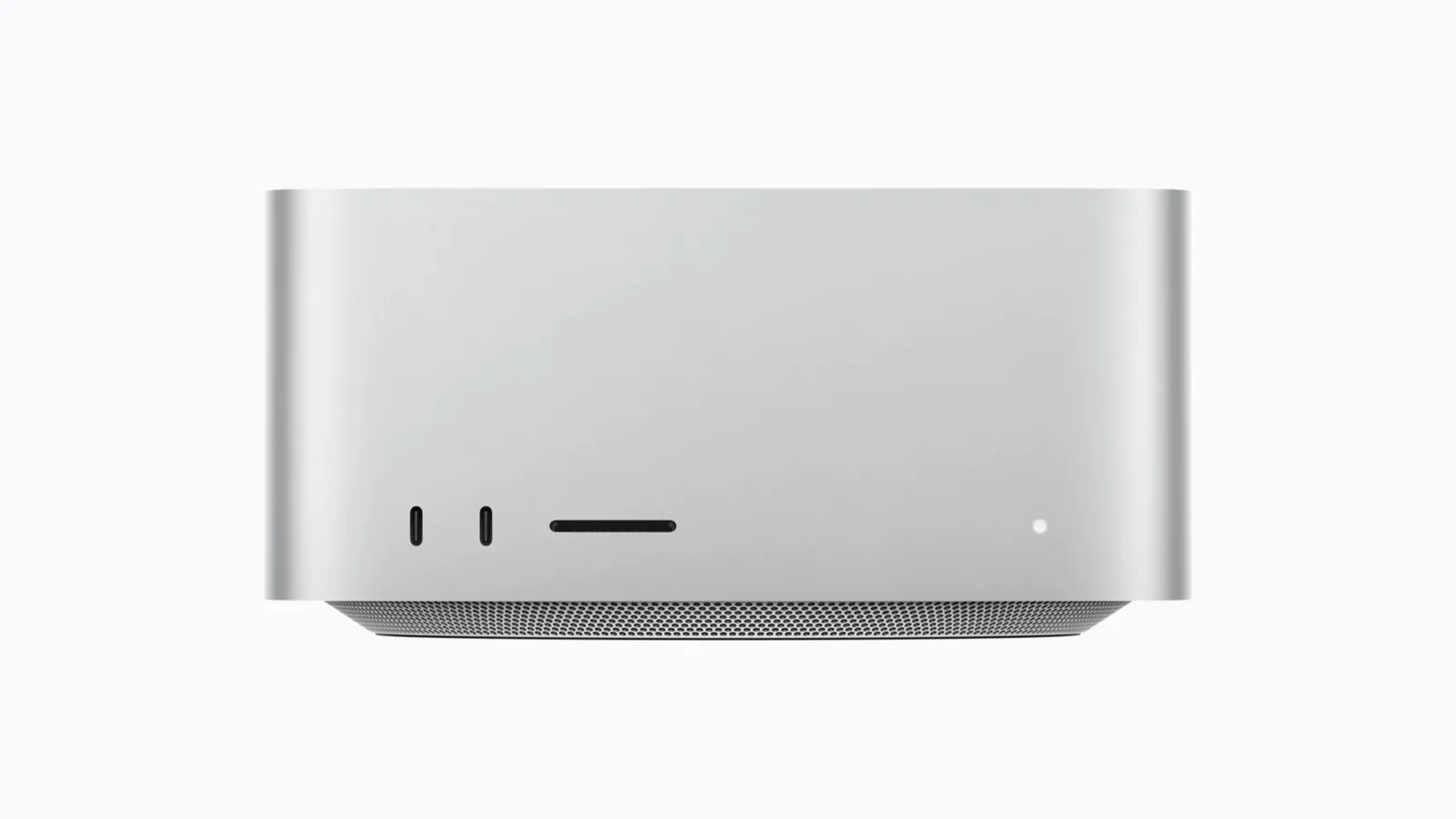
Apple sells two Mac Studios for almost the same money. Configure both with 1TB of storage and the M5 Max with 128GB of memory costs $5,399, while the M5 Ultra with 96GB costs $5,499. We checked both totals in Apple’s U.S. configurator on November 7, 2026. That is a $100 gap on a $5,000 computer, and yet these are very different machines. Which one is the smart buy depends on one thing most spec sheets never explain: the difference between memory and memory bandwidth.
Disclosure: neither machine has been on our bench. Everything below comes from Apple’s spec pages and store, plus published reviews linked at the end. When a number is our own math, we say so.
Two Mac Studios, one box
From across the room you cannot tell them apart: same enclosure, same size. The Ultra is about two pounds heavier, mostly from its copper cooling.
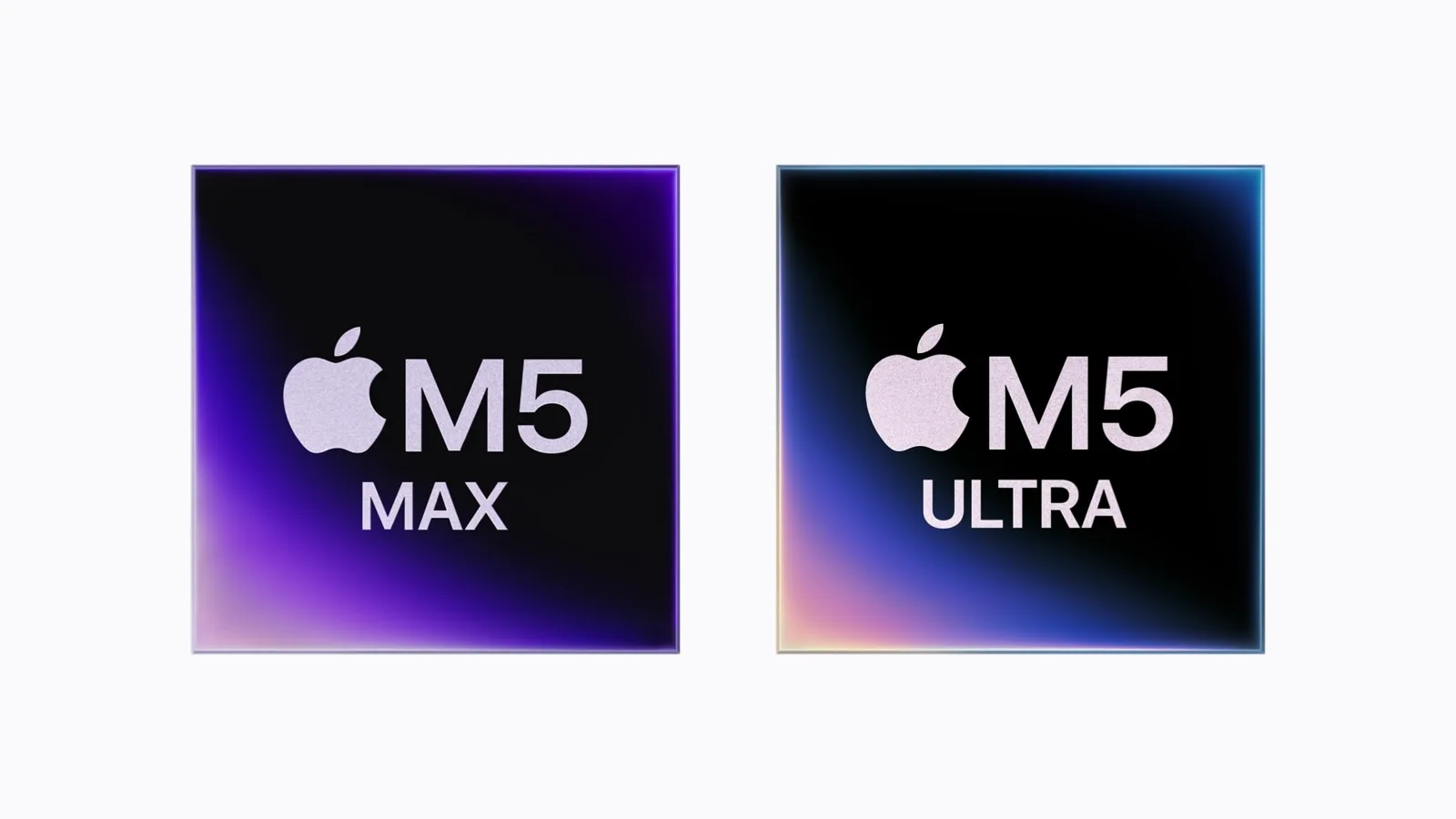
Inside, they are not close:
| M5 Max (this config) | M5 Ultra (this config) | |
|---|---|---|
| CPU | 18 cores | 30 cores |
| GPU | 40 cores | 64 cores |
| Neural Engine | 16 cores | 32 cores |
| Unified memory | 128GB | 96GB |
| Memory bandwidth | 614GB/s | about 1.2TB/s |
| Media engines | 1 decoder, 2 encoders, 2 ProRes | 2 decoders, 4 encoders, 4 ProRes |
| External displays | up to 5 | up to 8 |
| Front ports | 10Gb/s USB-C | Thunderbolt 5 |
| Price with 1TB | $5,399 | $5,499 |
Each side has a catch. To get 128GB on the Max you must also buy the 40-core GPU; Apple only offers the 32-core M5 Max with 36GB. And this Ultra is the cut-down chip. The full M5 Ultra, with 36 CPU cores and 80 GPU cores, starts at $6,799.
Memory vs bandwidth, explained
Think of memory as the size of a tank and bandwidth as the width of the pipe that drains it.
- Memory (the tank) decides what fits: how large an AI model, how many video layers, how big a dataset you can keep loaded at once. The Max has the bigger tank, 128GB against 96GB.
- Bandwidth (the pipe) decides how fast the chip can read what is in the tank. The Ultra’s pipe is almost twice as wide: about 1.2TB per second against 614GB per second on the Max.
For most desktop work you never notice either limit. For local AI, both matter, and they pull in opposite directions here.
What this means for local AI models
A large dense language model reads most of its weights for every token it writes. So a simple division gives an upper bound on speed: bandwidth divided by model size. This is our math, and real runs land below it.
- A 40GB model: near 15 tokens per second at best on the Max, near 30 on the Ultra.
- A 75GB model: about 8 tokens per second at best on the Max.
But the tank has a limit too. By default, macOS lets the GPU use up to about three quarters of system memory. You can raise that limit, but the system still needs room to work. That leaves roughly 96GB for the GPU on the Max and 72GB on the Ultra. So a 75GB model fits on the Max as it ships. On the Ultra it does not fit until you change that limit, and then it is a squeeze.
That is the whole decision in one line: the Ultra is the faster machine for anything that fits in about 70GB, and the Max is the only one of the two that comfortably runs the bigger models.
If you are weighing a Mac against a PC built for the same job, our DGX Spark review and the Strix Halo test with 70B models cover the 128GB machines on the other side. For a smaller Apple option, see our look at the Mac mini M4 Pro for local LLMs.
What real tests show
MacStories measured 48 tokens per second on Qwen 3.8 27B with the top M5 Ultra, against 59 on an RTX 5090. That was the bigger Ultra, with the same bandwidth as the one here but more GPU cores and more memory.
We could not find an independent head-to-head of these two exact configurations. Treat the AI section as a guide based on the hardware, not as a measured result.
Away from AI, core counts take over. Macworld measured the M5 Max at about 35,700 in Geekbench 7 multi-core. Macworld Sweden measured a 36-core M5 Ultra at about 52,500, roughly 47% more. Single-core scores were a tie. The Ultra in this comparison has six fewer CPU cores than that test unit, so expect a smaller gap.
Video, displays and ports
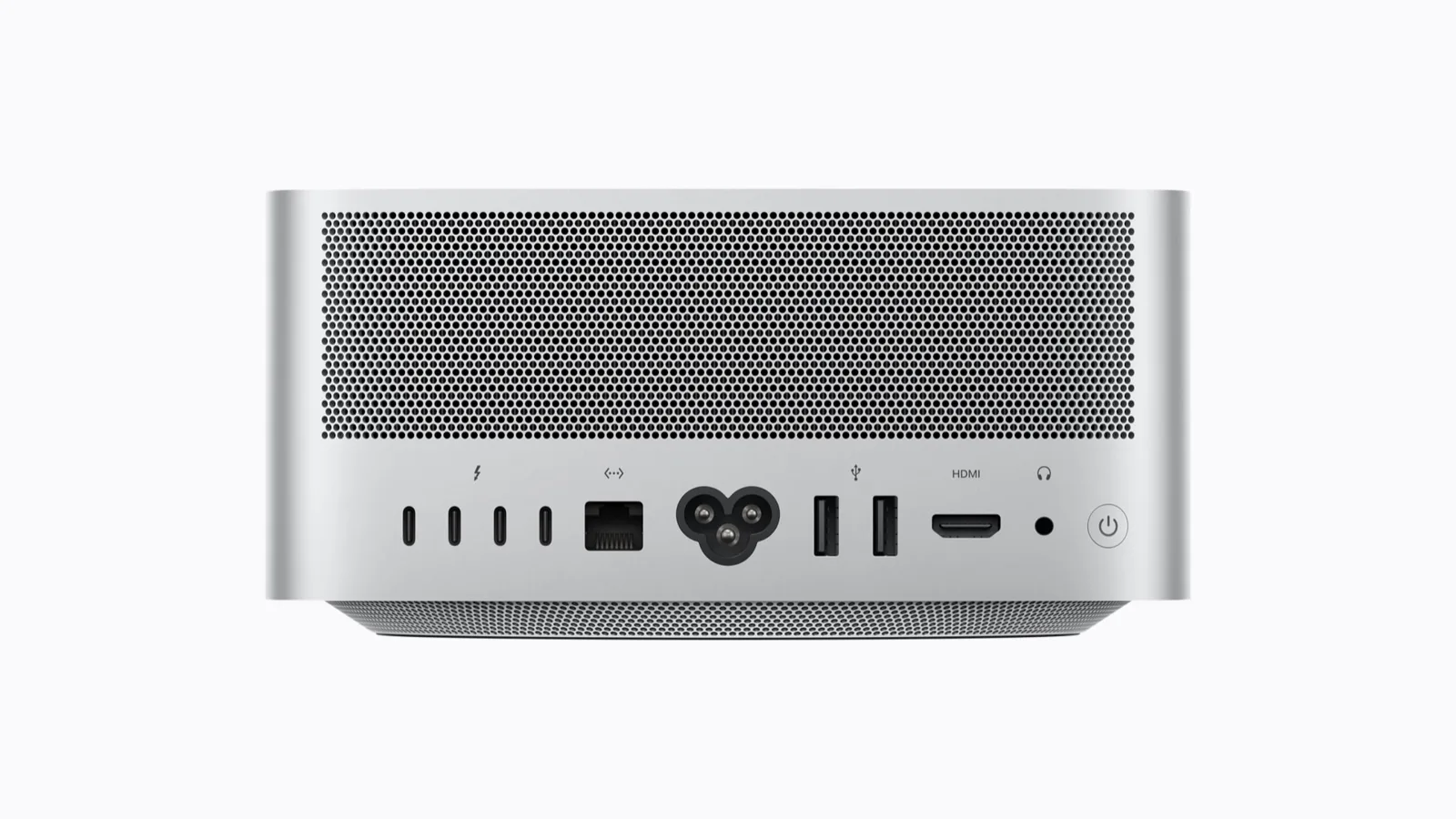
For video work the Ultra doubles the media engines: two decoders and four encoders against one and two, and four ProRes engines against two. It drives up to eight external displays, against five on the Max. It also has six Thunderbolt 5 ports, two of them on the front. On the Max, the two front ports are 10Gb/s USB-C.
You cannot upgrade it later
A Mac Studio’s memory is part of the chip package. You pick it once, at checkout, and you live with it. On the 30-core M5 Ultra, the next step after 96GB is 256GB, which brings the 1TB configuration to $9,499. On the Max, 128GB is the ceiling.
Scorecard
M5 Max, 128GB ($5,399)
- More memory: 128GB, with about 96GB usable by the GPU by default
- $100 cheaper and about two pounds lighter
- Gives up about half the bandwidth, 24 GPU cores, and any path past 128GB
M5 Ultra, 96GB ($5,499)
- Almost twice the bandwidth, so faster AI on any model that fits
- More CPU and GPU cores, double media engines, more displays, Thunderbolt 5 on the front
- Gives up 32GB of memory, is the cut-down Ultra, and the next memory step costs $9,499
Which one to buy
- Your biggest model or project fits in about 70GB: buy the M5 Ultra. For $100 more it is the faster machine at almost everything.
- You need more than that: buy the M5 Max with 128GB. A model that runs slowly beats a model that does not fit.
- You do not need this much memory at all: the 40-core M5 Max with 48GB and 512GB starts at $3,099, and the 32-core model at $2,499.
Prices are U.S. list prices from Apple’s store on November 7, 2026, before tax. Memory prices across the industry have been moving fast, so check the configurator before you buy.
Shop on Amazon: Mac Studio M5 Max · Mac Studio M5 Ultra. As an Amazon Associate we earn from qualifying purchases; the links cost you nothing extra.
Watch the video
The video version walks through the same comparison with charts in about seven and a half minutes. It includes a sponsor segment for Yapflip, a video dubbing service; Yapflip and this site are related businesses. The narrator and Bit, the animated host, use AI voices.