
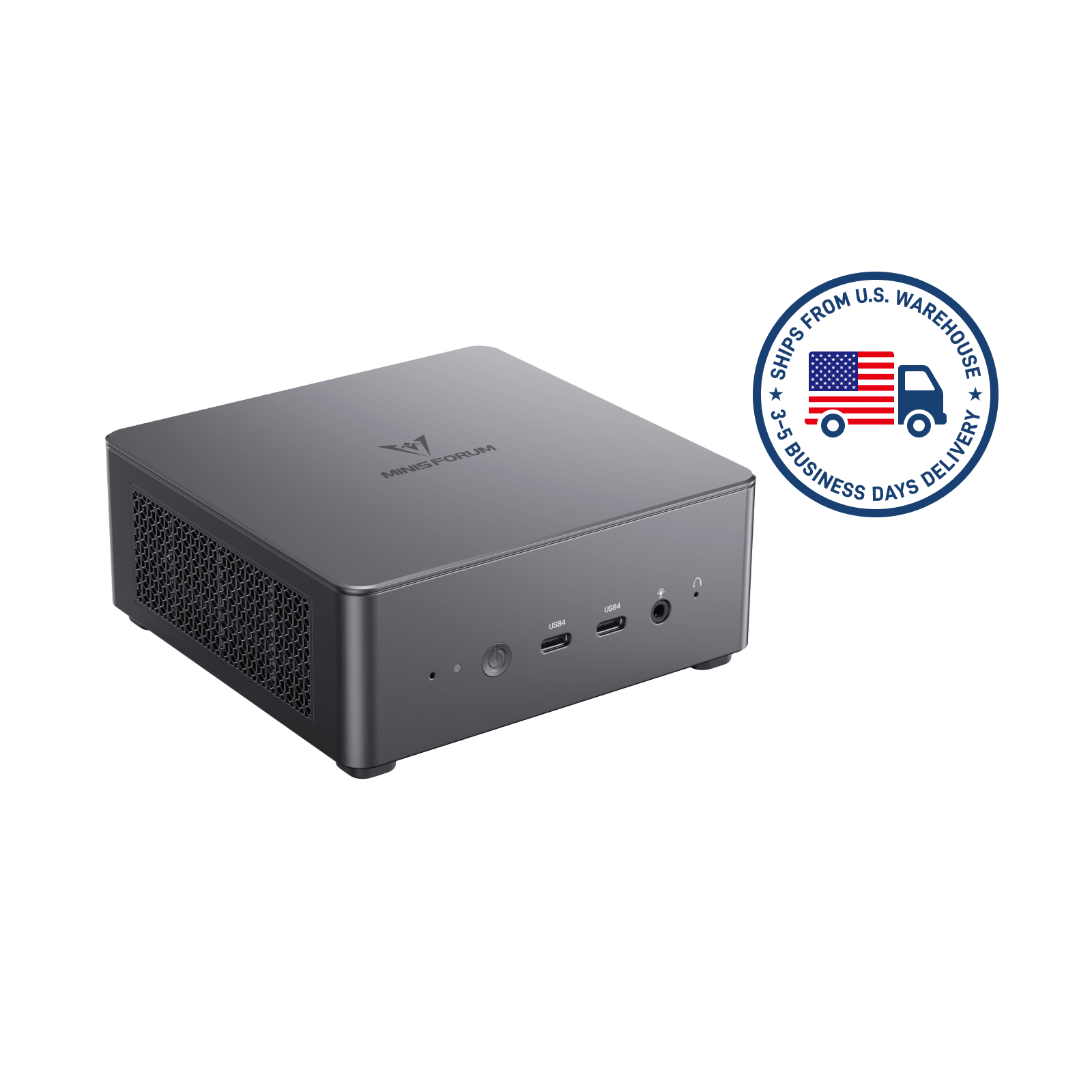
It is important to acknowledge that Minisforum does publish BIOS updates for its products. Many hardware vendors in the mini-PC category ship a product with the BIOS that was frozen at tape-out and never revise it, leaving customers with any firmware-level issues permanently. Minisforum does not do that. BIOS revisions exist, get released, and address real bugs. That is the starting point any fair conversation about the company’s firmware practice has to acknowledge.
What that conversation also has to acknowledge is the delivery mechanism, which is where the story turns.
The Windows-flasher workflow
Minisforum’s documented BIOS-update workflow, across most of its recent product line, is a Windows-based flash utility. The customer downloads an executable, runs it under Windows, and waits while the utility writes the new BIOS image to the motherboard’s SPI flash chip. This is a workflow familiar from certain consumer motherboard vendors (MSI’s Live Update comes to mind), and it is not intrinsically unsafe.
What makes it problematic in Minisforum’s case is the documented failure rate.
The Badcaps forum thread on the UM780 XTX BIOS documents a specific failure mode that is worth describing in detail: the Windows-based flash utility begins writing the new BIOS image, progresses to approximately 31% of the operation, and then halts with a Blue Screen of Death. The system reboots. At this point the BIOS is partially written: the old image is destroyed, the new image is incomplete, and the motherboard’s flash chip contains firmware that is not bootable.
The affected UM780 XTX, post-failure, is dead to the power button. No POST beep. No display output. No recognisable behaviour that would allow a recovery from within the system itself. The Badcaps thread is a hardware-repair forum; users arriving there with this symptom are in the triage phase of considering whether to remove the flash chip, reflash it externally with a programmer, and reinstall it. That is board-level repair work. It is not within a typical consumer’s capability, and it is not a path that any reasonable product’s BIOS update workflow should produce as a failure mode. Related: UM773 Lite owners asking iFixit to resurrect fried motherboards.
The Level1Techs thread documenting the BD770i’s post-BIOS-update no-POST condition captures the same pattern on a different product. The sequence: install Windows, run the Minisforum BIOS update utility, power-cycle after update completion, observe no display output, conclude that the board is bricked. The thread’s subsequent pages are the community’s discussion of recovery options.
The community’s workaround
Quindorian’s blog post titled “Firmware update Minisforum without Windows” exists for a specific reason. It exists because the author, after encountering or reading about the failure mode enough times, decided to document an alternate workflow: extracting the raw BIOS image from Minisforum’s distribution package, placing it on a FAT32 USB drive, booting the system into the UEFI shell, and flashing the BIOS from within the firmware itself, bypassing Windows entirely.
UEFI-shell BIOS flashing is the standard safe-practice recommendation across the industry for this class of operation. The reason for that is structural: a Windows-based flash utility runs on top of an operating system, which runs on top of a kernel, which runs on top of drivers, which run on top of the BIOS that is actively being rewritten. Any interruption in that stack (a driver crash, a power hiccup, a Windows Update that schedules a background operation) can cause the flash to abort at an arbitrary point. A UEFI-shell flash runs directly on the firmware environment with no operating-system dependency and no background services that might interrupt it. It is less elegant to initiate, and substantially safer to complete.
The VirtualizationHowto guide on MS-01 BIOS updates walks the same path for a different Minisforum product, and exists because Minisforum’s own documentation does not recommend the UEFI-shell route prominently. The community has made the judgment that the vendor’s preferred method is unsafe enough to warrant alternative documentation, and has written that documentation themselves. Related: the Raptor Lake bug and the MS-01’s BIOS release notes.
The structural complaint
When the safest method for updating a vendor’s product’s firmware is documented by an independent blogger rather than by the vendor, something has gone wrong in how the vendor is thinking about customer safety. Firmware updates are the kind of operation where the failure mode is permanent: a bricked motherboard is not a warranty claim that a customer can resolve by ejecting a card and reinserting it. The expectation on the vendor is to recommend the workflow with the lowest probability of leaving the customer with a dead board, and to document any alternate workflows clearly.
Minisforum’s practice, as documented, is the opposite. The Windows-based flasher is the default and the promoted path. The UEFI-shell alternative is undocumented in the vendor’s own materials, and lives in community blog posts. Customers who lack the technical background to evaluate the difference between the two methods are being routed toward the less safe one by the information architecture of the vendor’s own download pages. Related: Minisforum’s support portal and its unresponsiveness pattern.
The lasting guidance
If you are updating a BIOS on any Minisforum product in 2026, and the documentation presents a Windows-based flash utility as the recommended path, do one of two things before proceeding. Either find a community-written UEFI-shell workflow for your specific model and use that instead, or decide whether the improvement in the new BIOS is worth the brick-rate risk of the Windows path. The community’s workaround exists because the default is unsafe enough to warrant one. No customer buying a $500–$1,500 mini-PC should have to learn this from a Substack post, but until Minisforum changes its documentation, that is the state of affairs, and the ones who don’t know it are the ones paying the full price of the unsafe default.